.png)
User Access in TestTrick Assessments
The User Access settings allow you to control which team members can view and manage a specific assessment. This ensures that only authorized users have access to sensitive candidate information and assessment details.
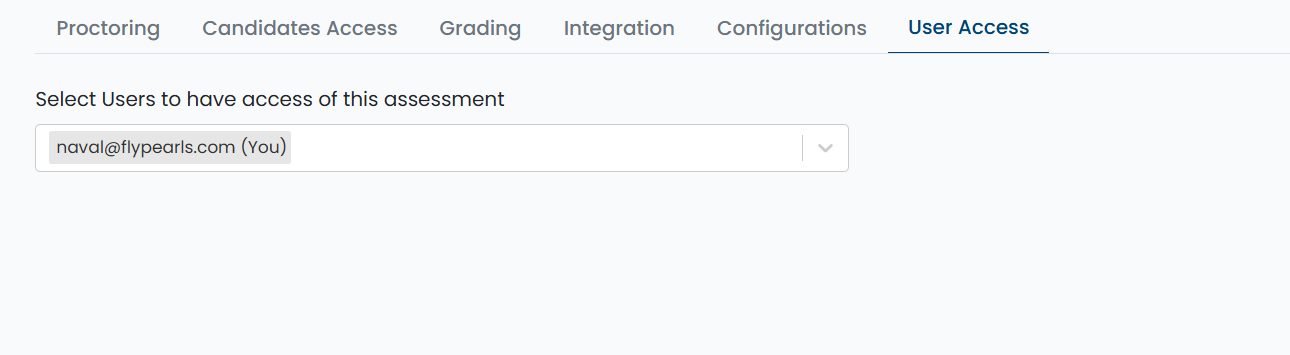
Selecting Users for Assessment Access
You can select individual team members to grant access to the assessment.
Assigning Access to Other Roles
- Hiring Managers can be assigned access to view assessments and evaluate candidates for their roles.
- Custom Roles: If your organization uses custom roles, you can add specific team members to give them access to particular assessments as needed.
- Role-based permissions determine what actions each user can perform, such as creating tests, editing assessments, inviting candidates, or sending results.
For more details about roles and permissions, read the “Role-Based Access & Permissions” article.
Best Practices
- Only assign access to users who need it to maintain data security.
- Use custom roles to restrict or extend permissions for specific assessments.
- Review user access periodically to ensure only relevant team members have visibility.
Summary
User Access settings in TestTrick allow you to:
- Select which team members can view or manage an assessment
- Automatically grant access to admins and recruiters
- Assign access to hiring managers, and custom roles
- Maintain secure and controlled access to assessment data
- Control user permissions based on roles for different assessment actions