.png)
Move Between Questions in Test
The Move Between Questions option allows candidates to navigate back and forth between questions during an assessment. This setting is controlled by a toggle and is available only under specific conditions.
Screenshot idea: Assessment settings showing “Move Between Questions” toggle.
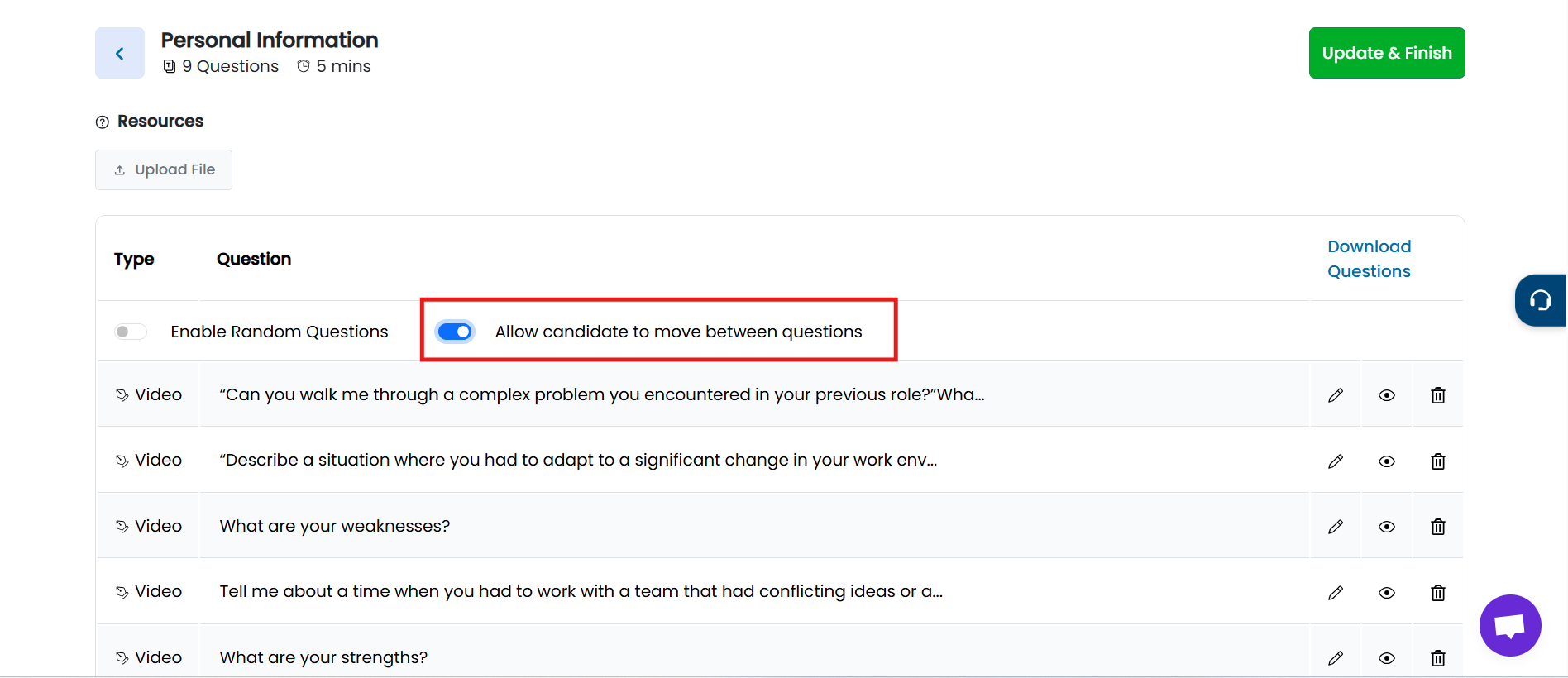
When This Option Is Available
The Move Between Questions toggle is available only if:
- The assessment contains more than one question, and
- Overall Test Time is enabled for the test
If these conditions are met, the option can be enabled for the assessment.
Candidate Experience
When Move Between Questions is enabled:
- Candidates will see Next and Previous buttons during the test.
- They can:
- Move back and forth between questions
- Review previously answered questions
- Update their answers before submitting the assessment
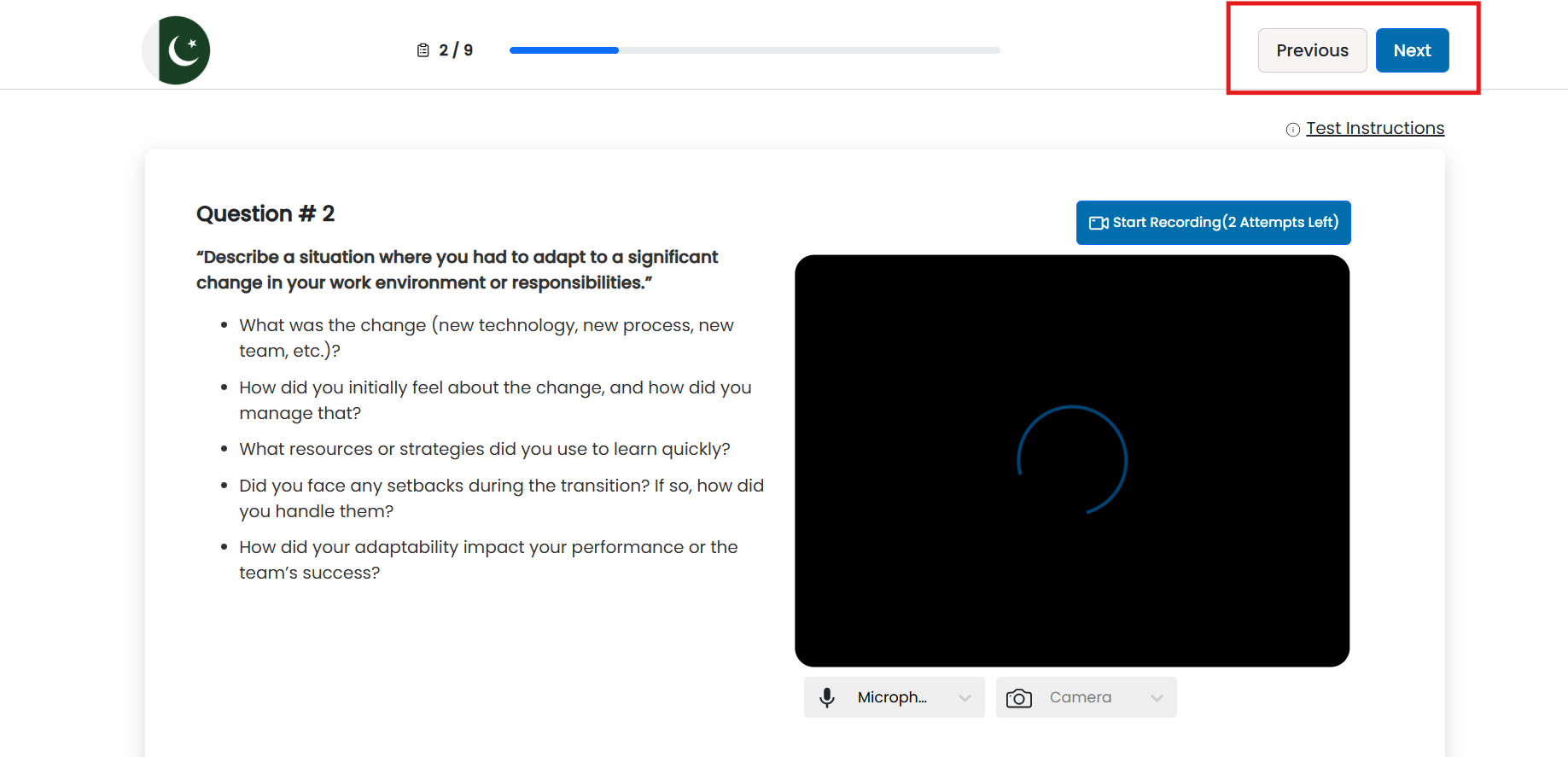
This gives candidates flexibility to manage their time and responses more effectively.
When the Option Is Not Available
- If the test has only one question, or
- If the test uses time per question instead of overall test time
…the Move Between Questions toggle will not be shown.
For further assistance, please read the Test Time Configuration article to understand how overall test time and question-level timing affect assessment behavior.
Summary
The Move Between Questions feature in TestTrick allows you to:
- Enable question navigation for candidates
- Allow answer review and updates during the test
- Control navigation based on test structure and timing rules
This ensures a balanced assessment experience while maintaining control over test behavior.